Light mode
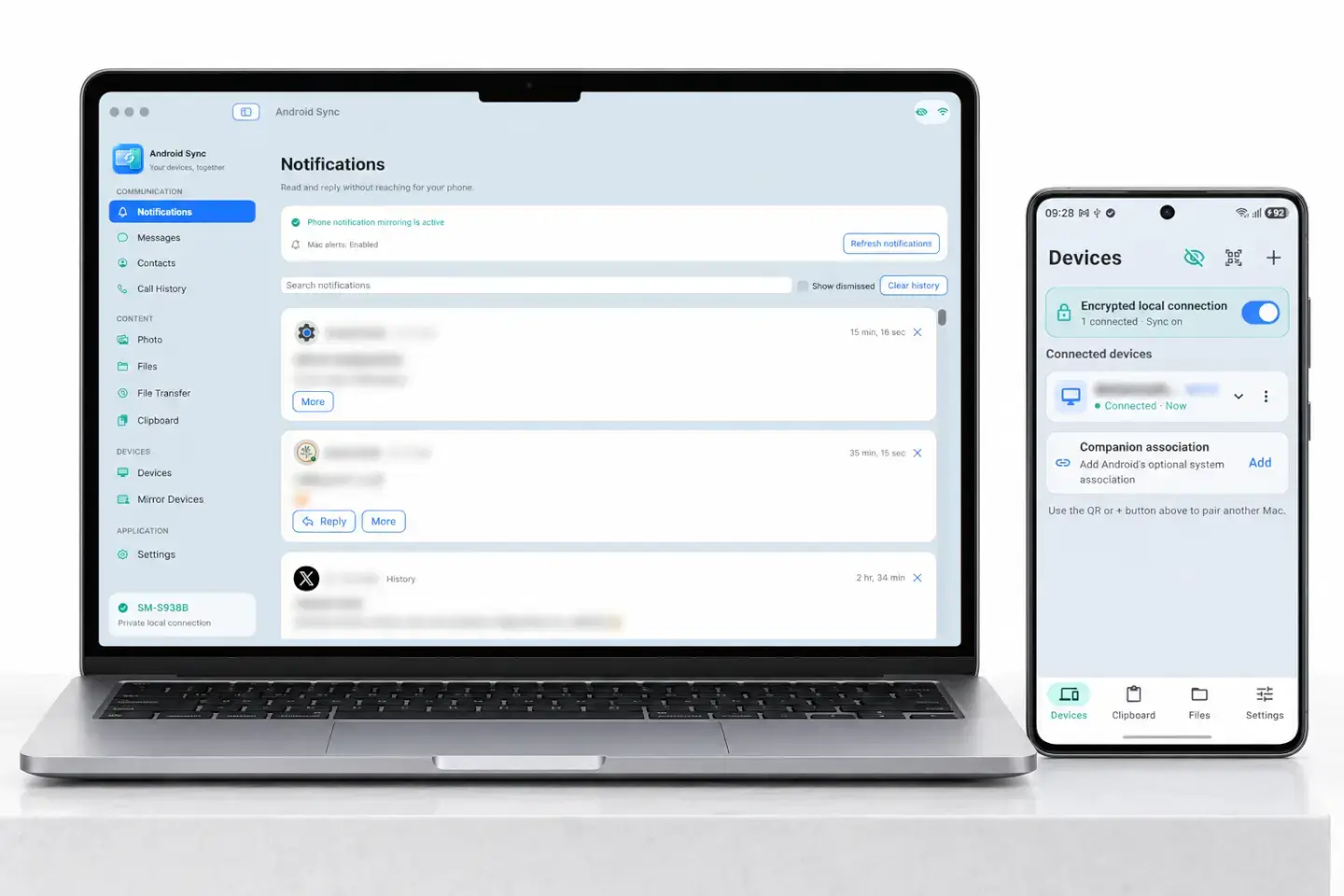
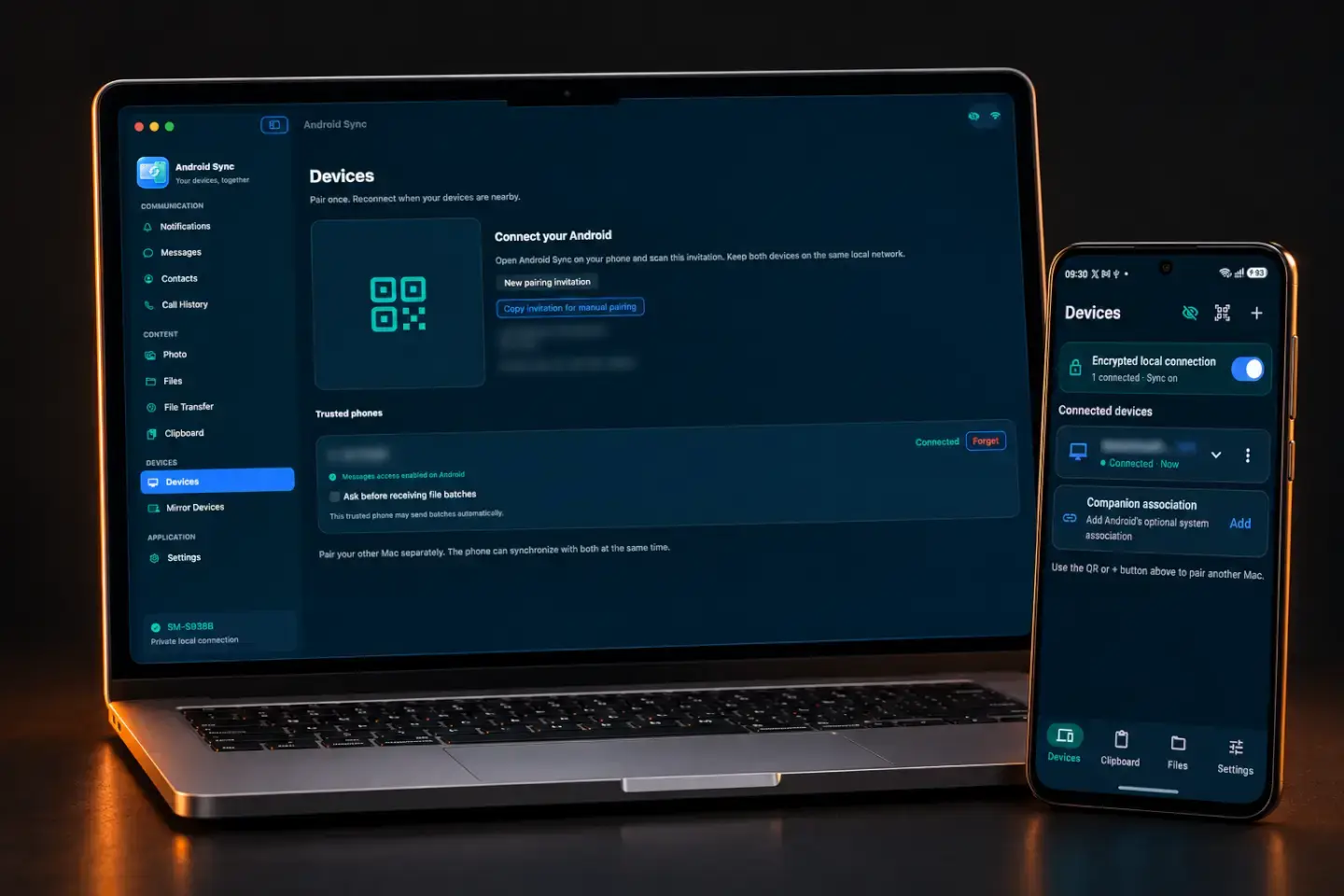
Read it here. Reply from here.
See notifications in one searchable Mac inbox. Reply when the Android app supports a text reply.
Notifications, files, and everything you copy.
Right where you are working.
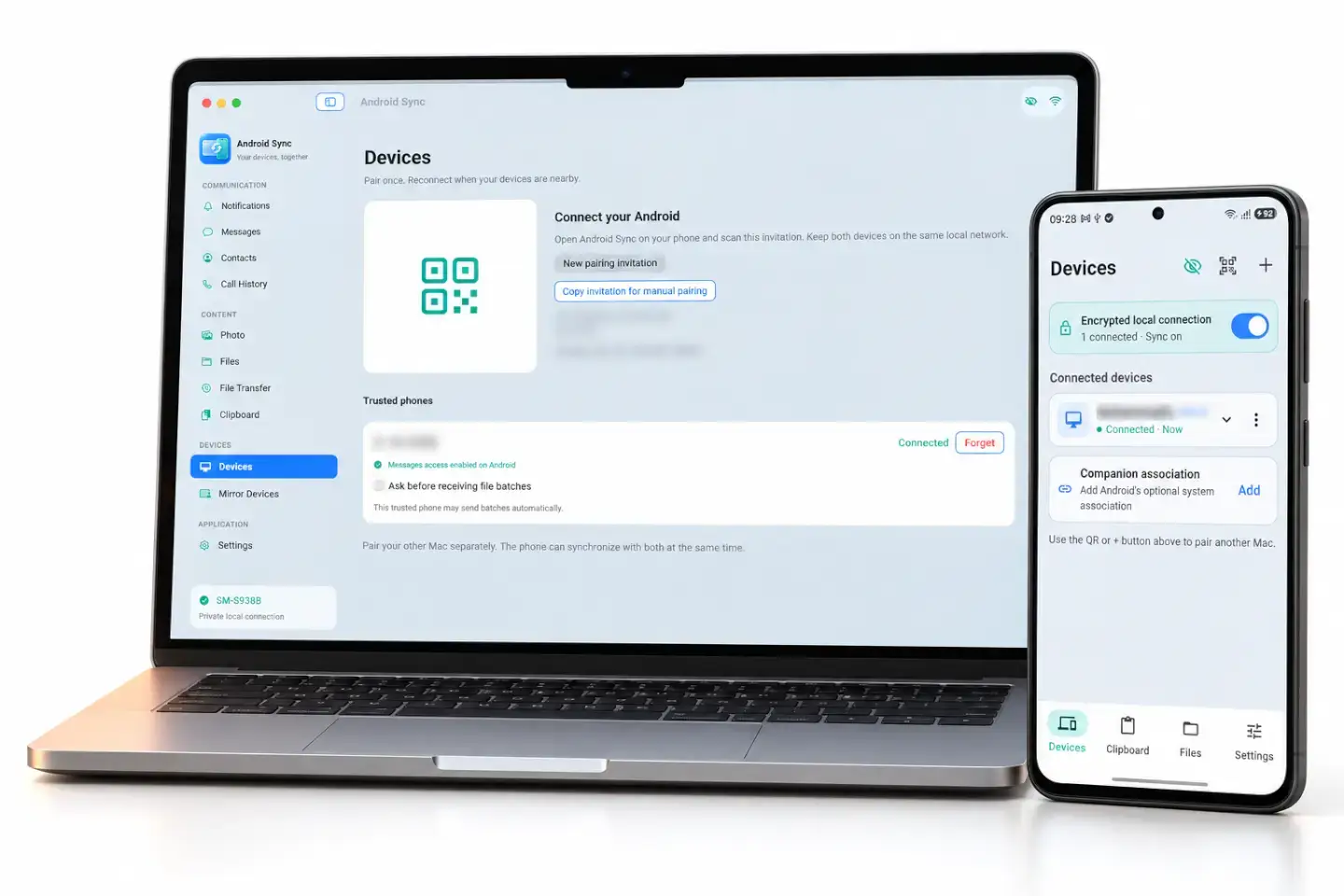
Less switching. More doing.
Your phone stays nearby. Your work stays on your Mac.
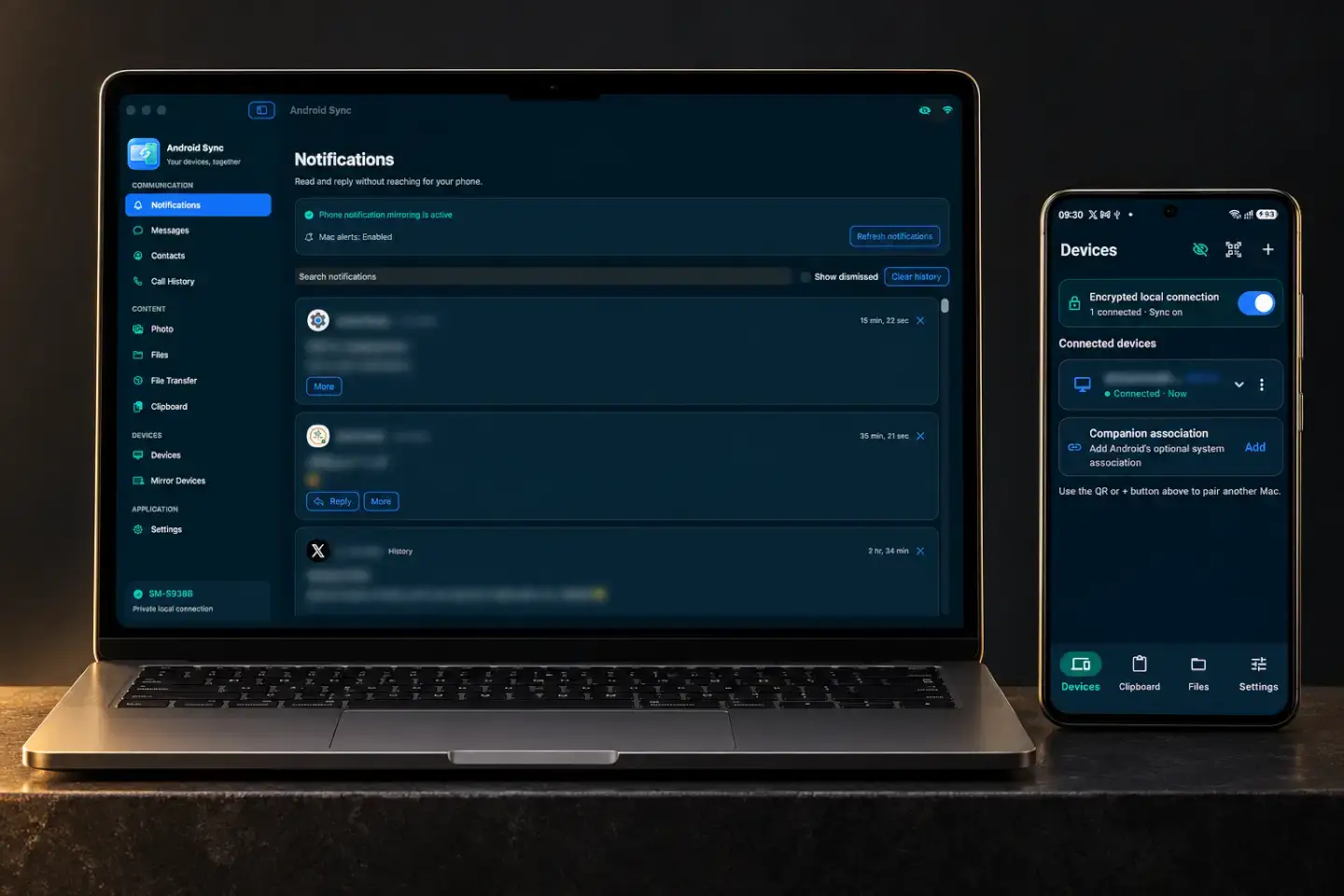
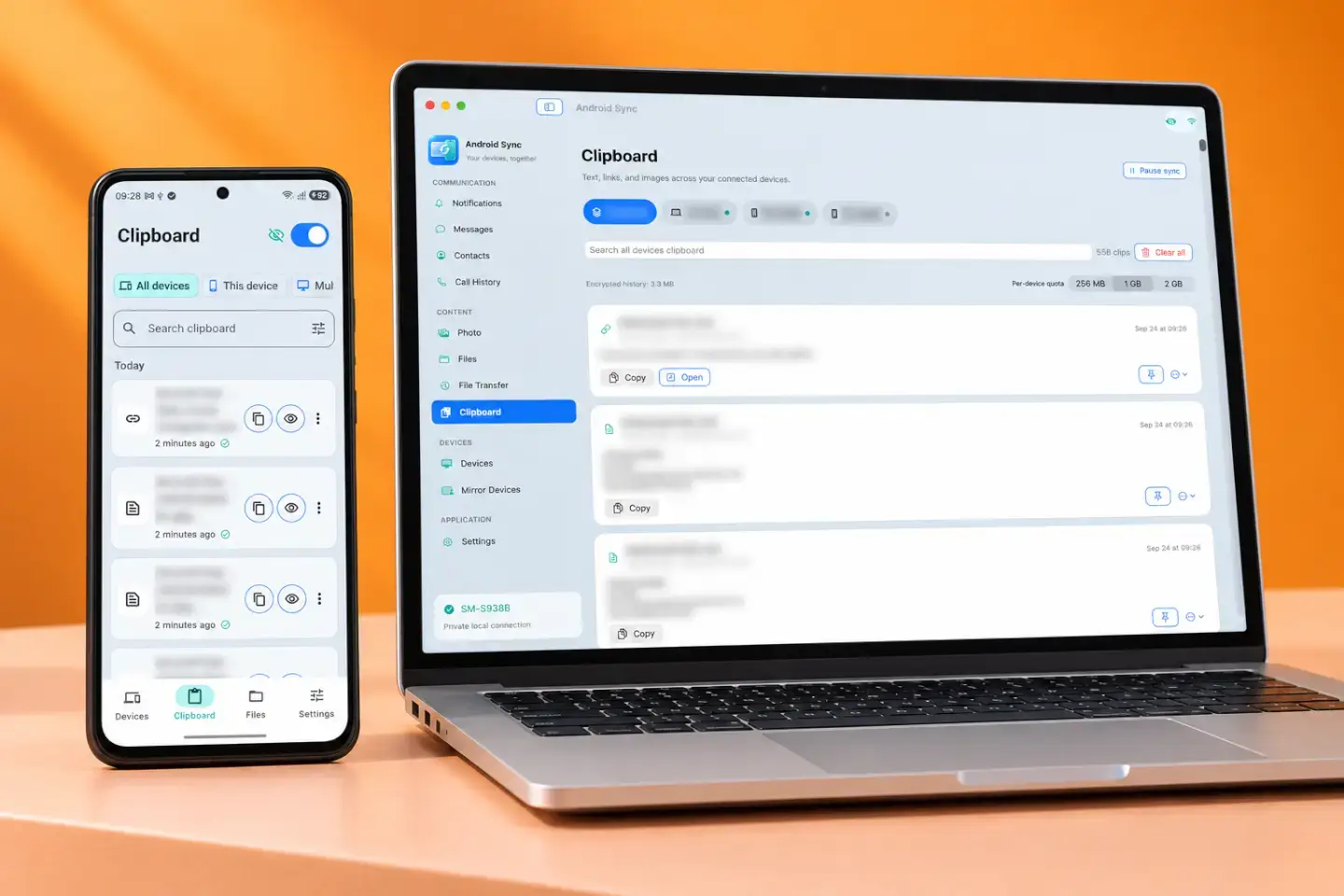
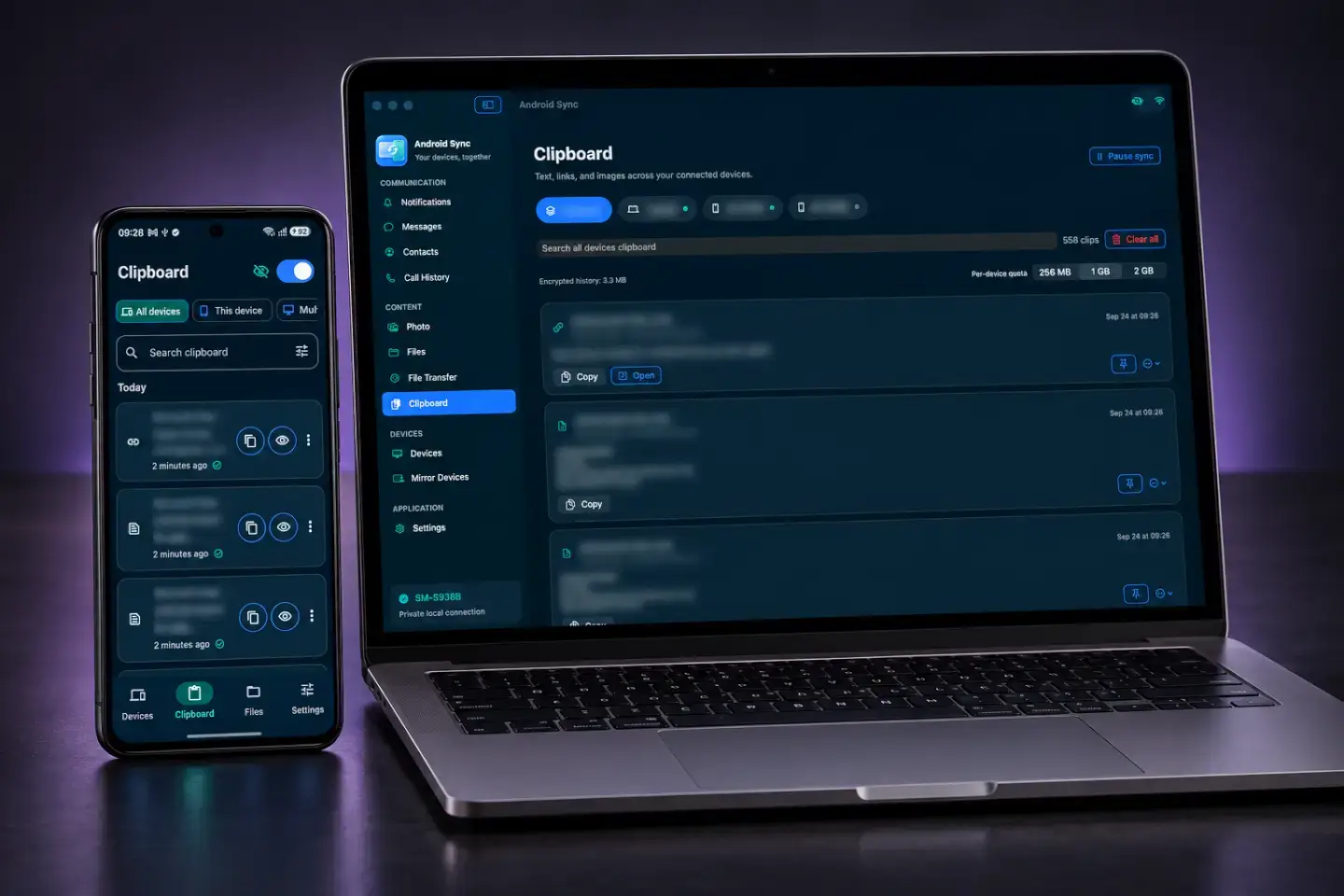
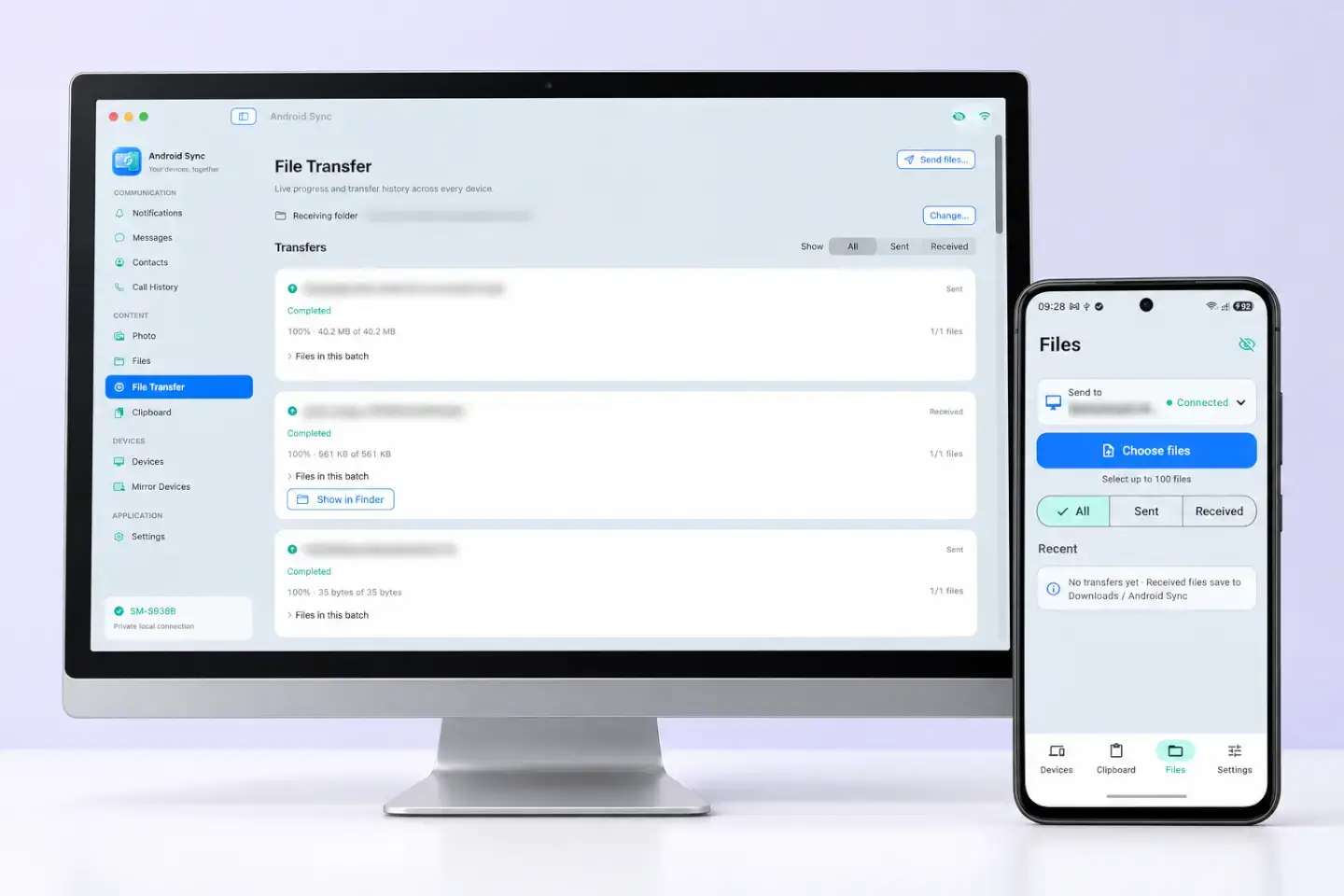
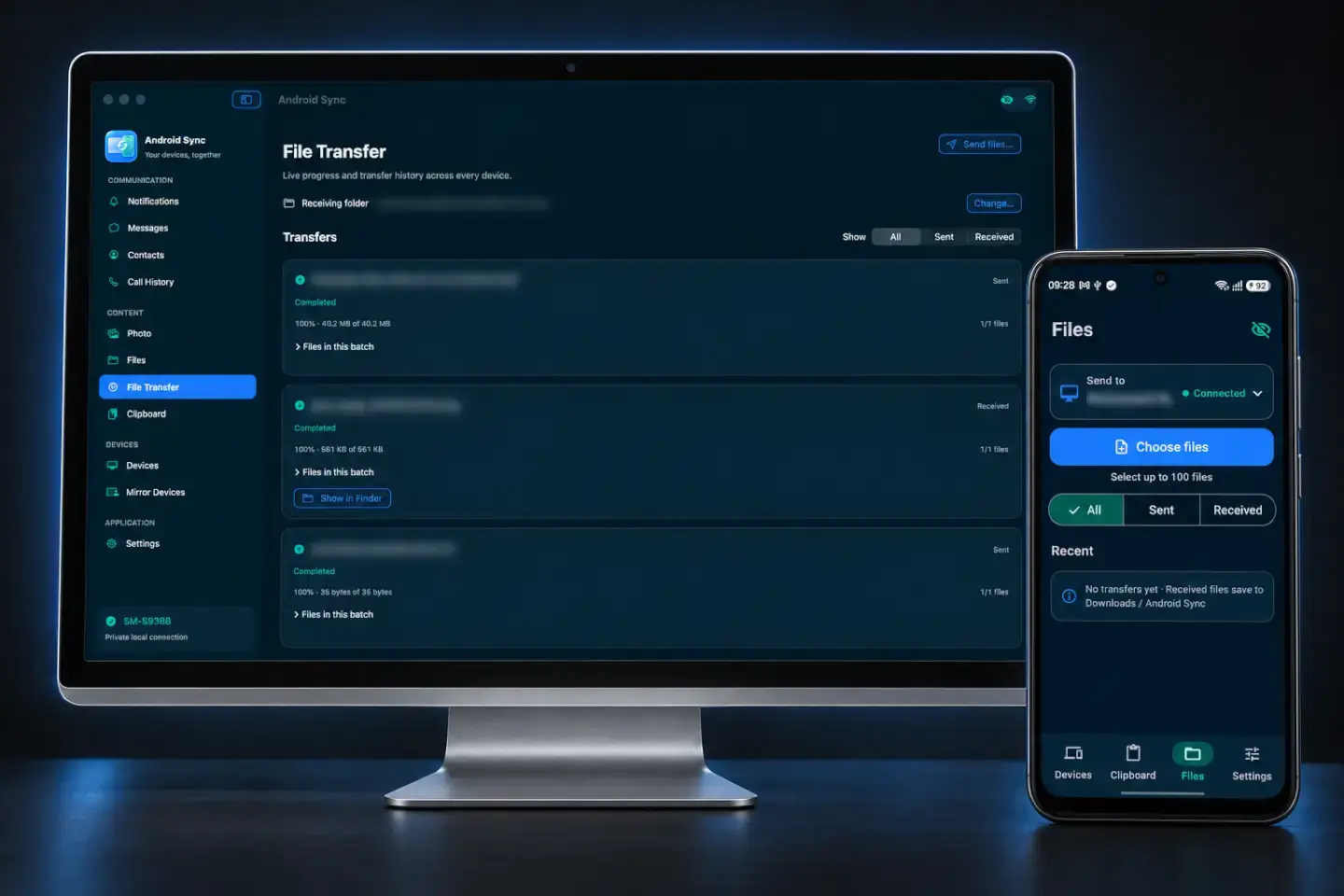
Privacy Mode · Blur / Stream Mode
At a café, in a shared office, or live on camera, blur sensitive information in AndroidSync with one setting. Hover over an item on your Mac to reveal it, then move away to hide it again.
Take screenshots, record tutorials, or create videos for YouTube, TikTok and Instagram with private details already hidden. Spend less time covering them up frame by frame afterward.
Explore Privacy Mode ↗Messages
Hover or focus to reveal this example
Content hidden because Blur / Stream Mode is enabled.
Desktop alerts show the source app without the message preview.
Private by design
A direct local connection, pinned device identities, and encrypted histories. No AndroidSync account, cloud relay, ads, or analytics in the apps.
How we protect your data ↗Find a workflow that feels like yours.
For privacy in public
For everyone
For creators
For developers
For focused work
Android and Mac. One private connection. Free for personal use.